AI for Instagram: How to Create Better Content in Half the Time
By Nura Billie, Female Digital
Published March 1, 2026 · Updated March 5, 2026

You know you should post consistently on Instagram. You also know it takes time you don't have. AI doesn't solve everything—but it can cut the time you spend on content creation in half and improve the quality of what you make.
Here's the concrete workflow.
Planning: From empty calendar to full week in 20 minutes
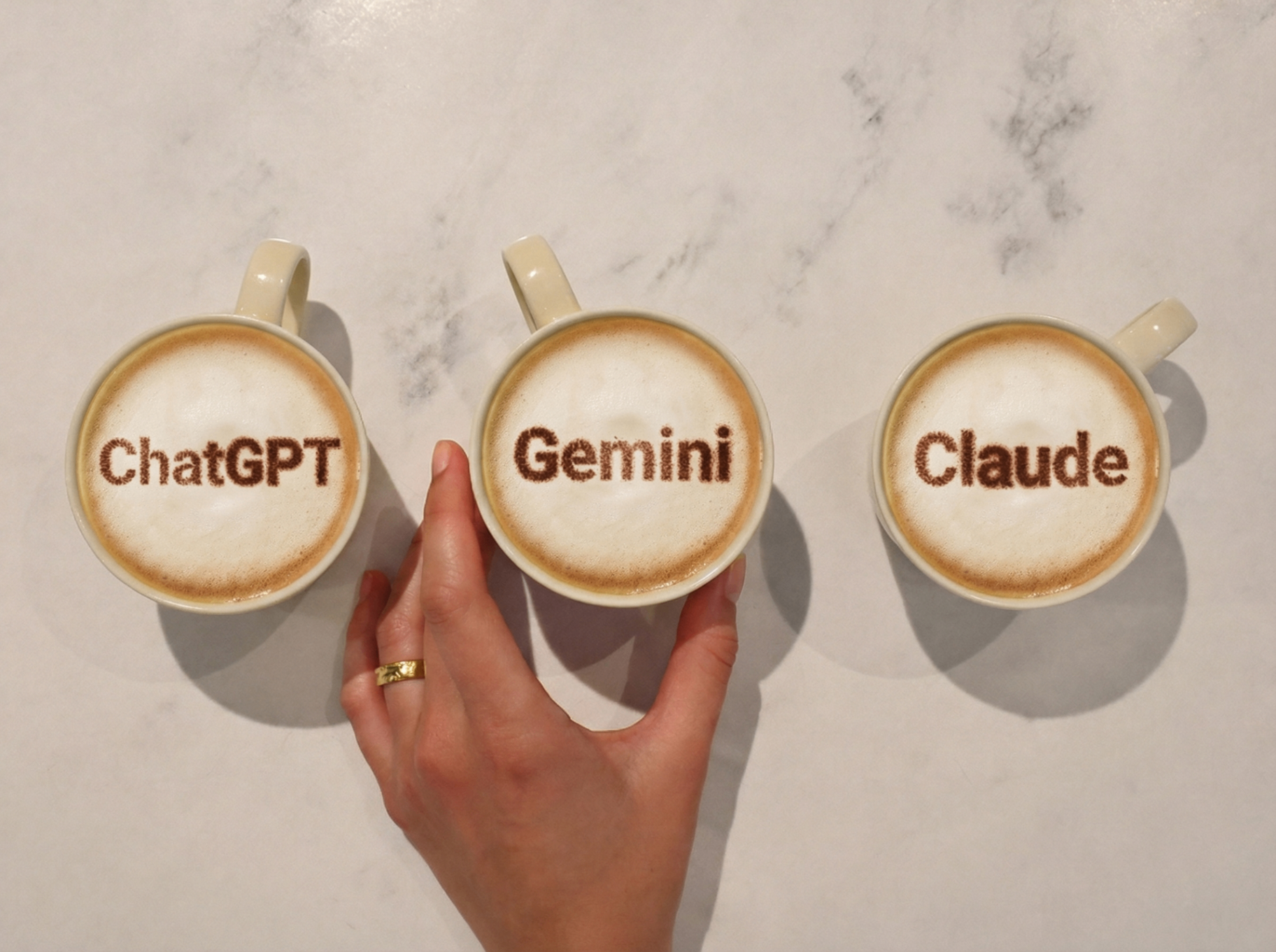
Start by giving ChatGPT or Claude context about your brand, target audience, and content pillars. Ask it to generate 5-7 post ideas for the coming week with variety in format (carousel, reel, single image, story). AI is good at generating ideas you wouldn't have thought of—and you're good at deciding which ones actually fit your brand. It's teamwork.
Captions: First draft in 30 seconds
The biggest time-killer on Instagram is writing captions. AI doesn't remove your voice, but it removes the tyranny of the blank page.
Use this approach: Give AI your topic, your tone, and your CTA. Get a draft. Edit it to sound like you. Total time: 5 minutes per caption instead of 30.
The important thing is that you always edit. AI-generated captions tend to be generic and over-enthusiastic. Your job is to add the personal details, the specific experience, and the genuine opinion that make the text yours.
Images: Professional visuals without a photographer
For many solopreneurs, images are the biggest bottleneck. AI opens three possibilities:
Canva AI lets you generate images directly in your design. Describe what you want, choose a style, and customize it to match your brand. It's not perfect for everything, but for backgrounds, decorative elements, and concept images it's amazing.
Product photos can be transformed with AI. Upload a simple product shot and describe the scene you want to place it in. AI tools like Midjourney and product photo-specific services can create styled campaign images from basic photos.
Brand images for stories and highlights can be created in bulk using Canva's batch-create feature combined with AI-generated elements. Create 20 story covers in the time it normally takes to create 3.
Reels and video: From idea to script in 5 minutes
Most people avoid video because scriptwriting feels overwhelming. AI changes that.
Give AI your topic and target audience, and ask for a 30-second reel script with hook, 3 points, and CTA. You get a structure you can follow on camera—or use as voiceover text.
For talking-head content, HeyGen is an option: you write the script, choose your avatar, and get a video. It's not for everything, but for educational content and tips it can work.
CapCut's AI features—auto-captions, smart editing, and effects—save additional time in post-production.
Hashtags and research
Use ChatGPT to suggest 30 hashtags for your niche, organized into three categories: broad (100K+ posts), medium (10K-100K), and niche (under 10K). Use a mix of all three for best reach.
Use Perplexity to research trends in your industry—what are people talking about right now? Which formats are performing? This gives you content ideas that are relevant and timely.
The complete AI Instagram workflow
Sunday (30 min): Generate the week's 5 content ideas with AI. Choose formats.
Monday-Friday (15 min/day): Write caption with AI assist, create/choose visuals, schedule posting.
Ongoing (5 min/day): Use AI to write engagement comments on relevant posts.
Total time commitment: about 2 hours per week for 5 posts. Without AI, most people spend 5-8 hours.
Learn the full workflow in practice
Female Digital's AI course includes a complete module on AI for social media—with video tutorials, templates, and workflows you can implement immediately.
Want to learn more about AI?
Join Female Digital and get access to courses, tools, and community.
See MembershipRelated Articles

Join the movement
Get AI tips and inspiration delivered straight to your inbox.